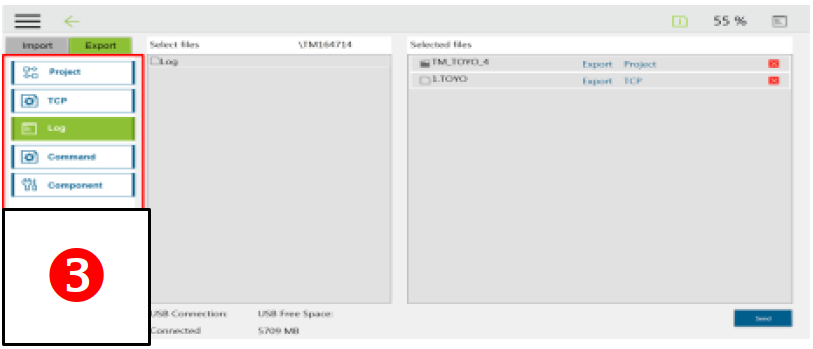
What to prepare before:
- USB stick named "TMROBOT" with NTFS format
- Monitor with HDMI cable
- Mouse and keyboard
- USB HUB * optional
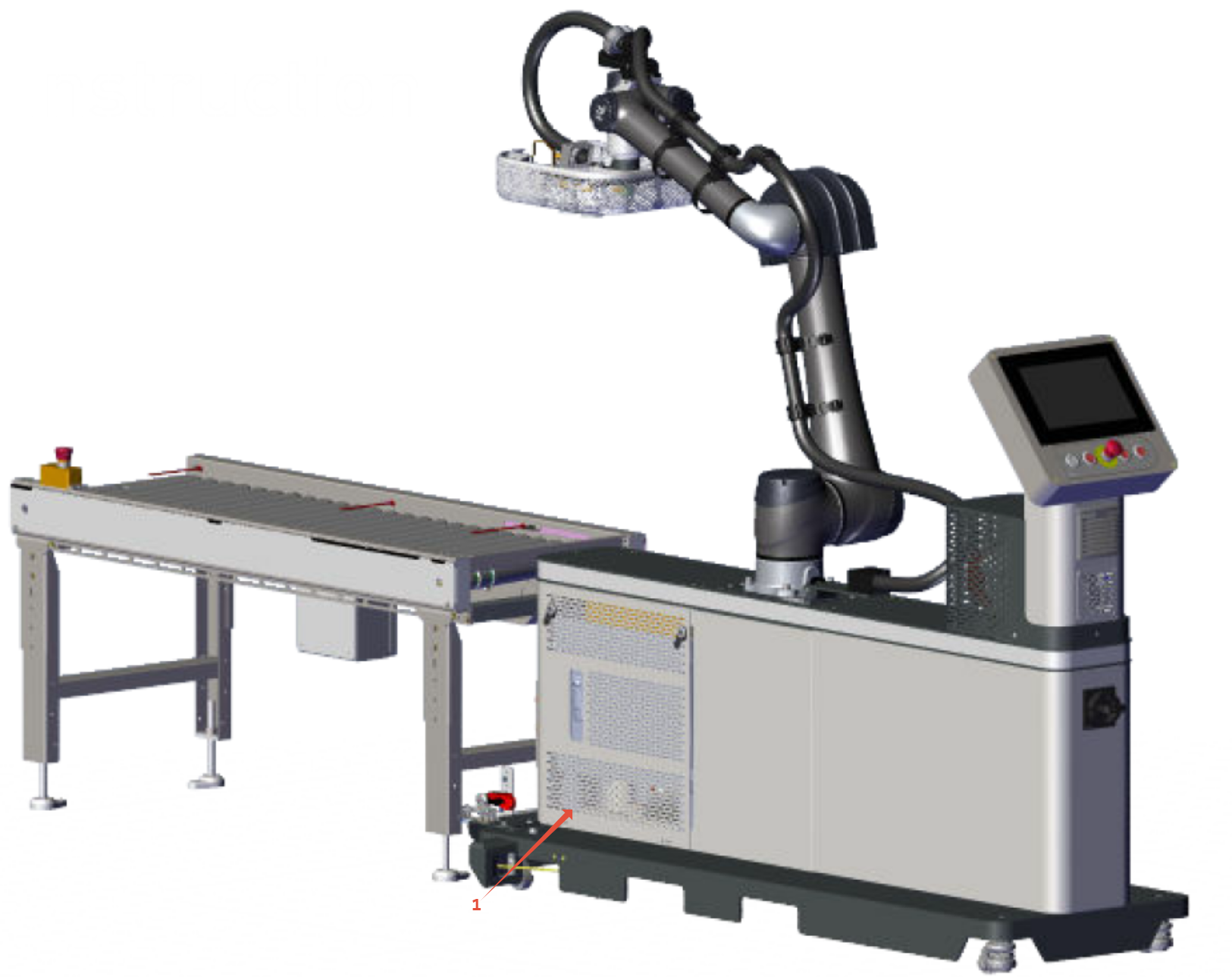
Connect USB HUB into OMRON controller at the front of the RC12 (near conveyor), marked 1 in the picture below:
USB and HDMI ports are located at the bottom of the controller: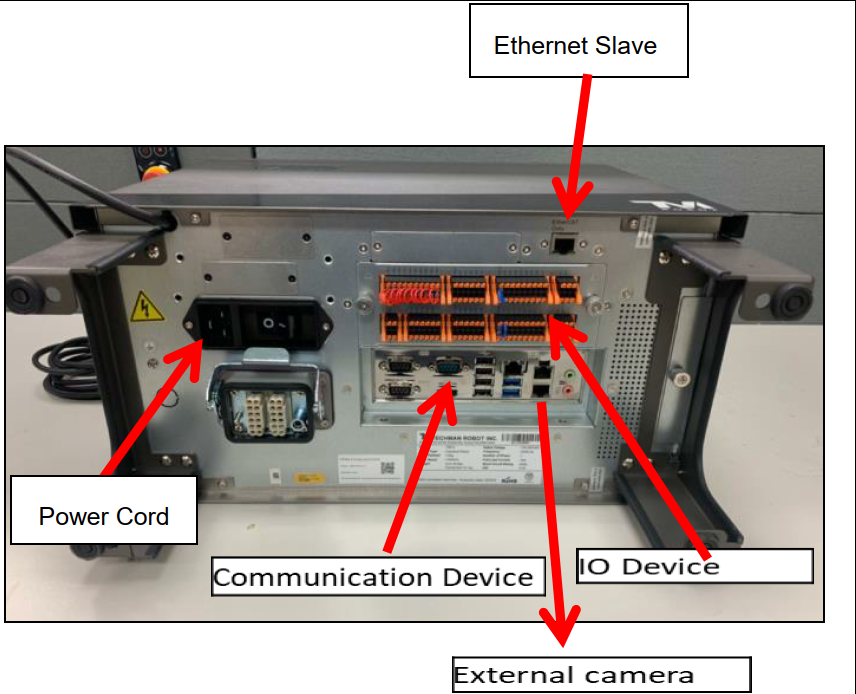
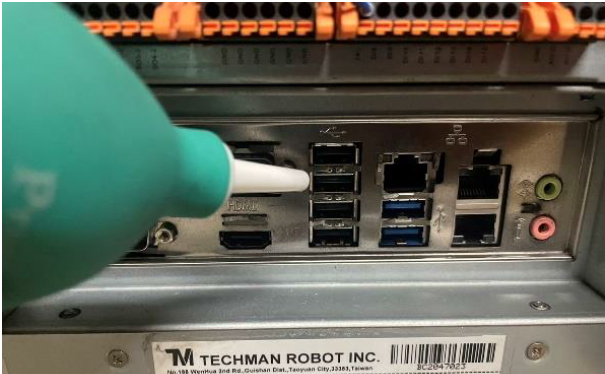
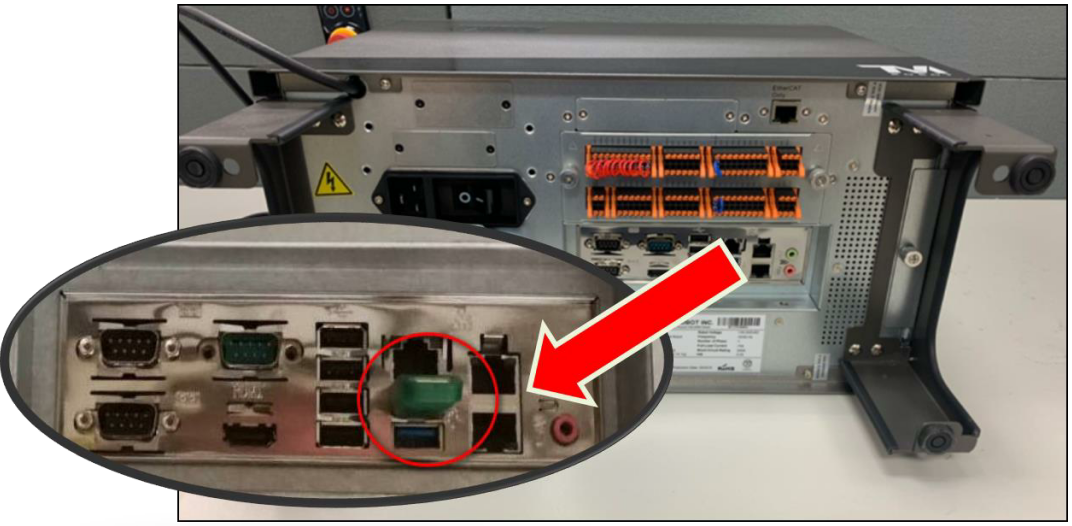
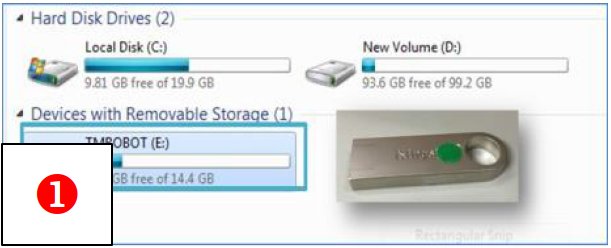
1) Name a USB drive "TMROBOT" and format it into NTFS. Plug the USB into omron robot controller.
2) Click Robot Setting → Import/Export.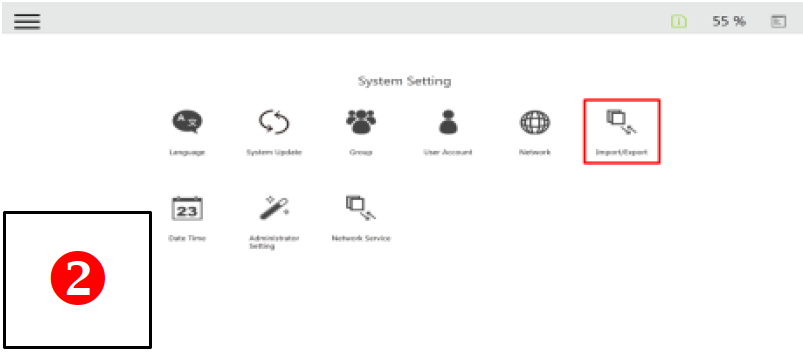
3) Select a file from Select files, add it to Selected Files, and click Export to export the file.